How to Do Video Analysis for Soccer and Football Coaches (Free Guide)
Professional clubs spend thousands per year on video analysis platforms. Their analysts work full-time, have dedicated cameras, and use tools like Hudl Sportscode or Wyscout. That’s the pro context.
For an amateur soccer or football coach, the actual process — find footage, cut it, annotate it, share it with your players — doesn’t require that. It requires a clear workflow and the right free tool.
This guide walks through the complete process, step by step.
Why Video Analysis Matters for Soccer and Football Coaches
Players absorb tactical information better through video than through diagrams or verbal explanations alone. A 45-second annotated clip of a defensive breakdown communicates what ten minutes of talking cannot.
For soccer, video analysis helps with: shape in possession, pressing triggers, defensive line height, transition moments, set pieces.
For American football, it’s central to game planning: formation recognition, route combinations, blitz packages, blocking assignments.
Both sports benefit from the same core process.
What You Need to Get Started
Footage sources
- Your own games: A phone or tablet filming from an elevated position (bleachers, raised corner) gives usable tactical footage. Avoid following the ball too closely — wider shots show player positioning.
- Opponent scouting: Many leagues upload match footage to YouTube or team pages. Search “[team name] + [league name] highlights” to find public game film.
- YouTube study material: For pattern and concept work (teaching a pressing shape, a set piece routine), professional match footage on YouTube works well as a teaching tool.
Camera setup basics
For soccer: film from end-line elevated or halfway-line elevated. The full pitch should be visible.
For football: coaches’ film is taken from the end zone or an elevated platform above the sideline. Most amateur teams use a phone on a tripod at the highest point available.
Software
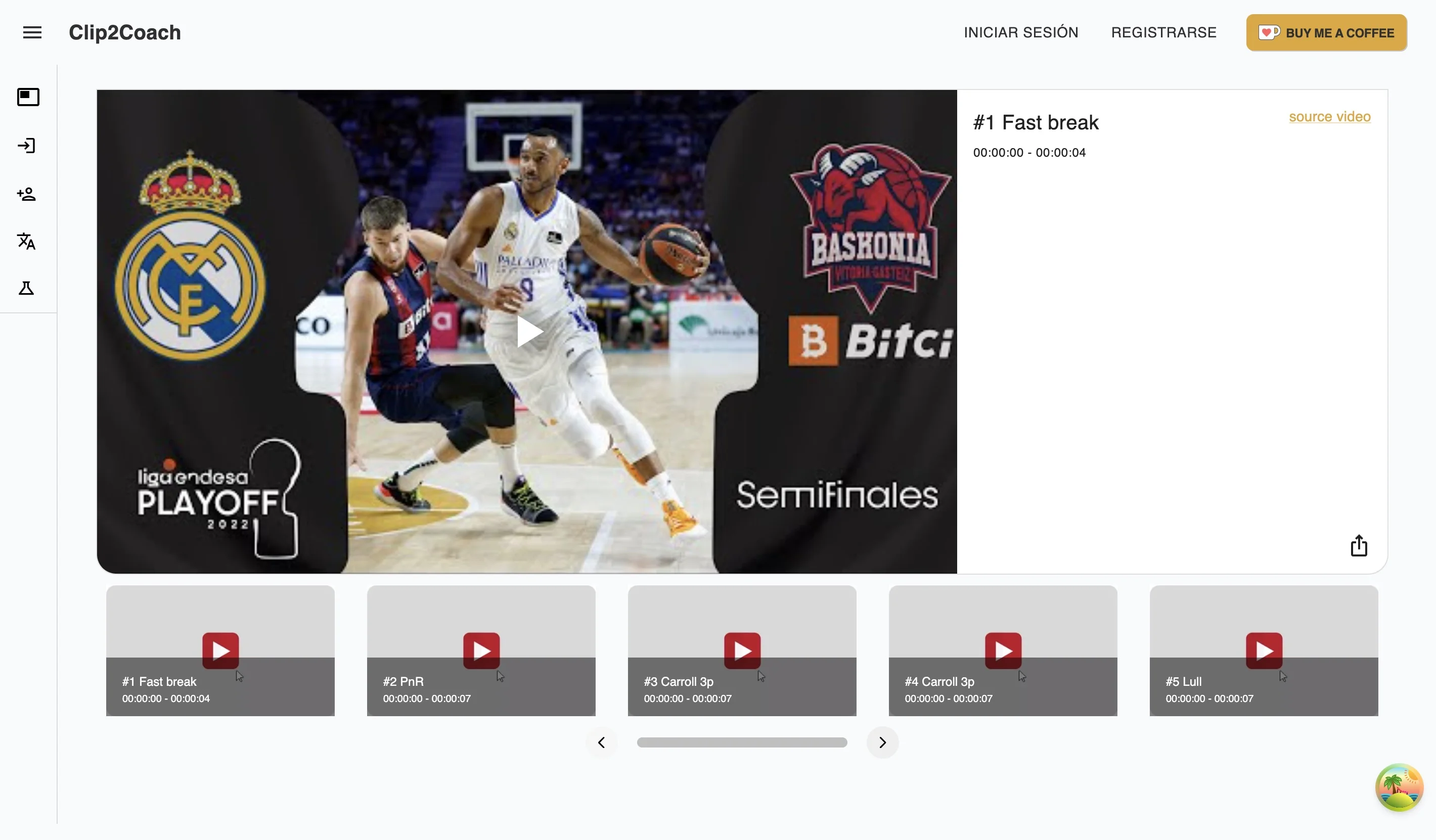
For the workflow in this guide, we’ll use Clip2Coach — a browser-based tool that works on any device. It works with online videos from YouTube, Vimeo, or Twitch, and lets you annotate and share without file downloads. Free tier: 10 clips/month.
Step-by-Step Framework for Soccer and Football Video Analysis
Step 1 — Define your focus before you watch
Before opening any footage, write down the specific question you want to answer:
“Why did we concede from transitions in the second half?” “Does our left side create space effectively when we switch play?” “What does the opposing linebacker do on play-action?”
Watching with a hypothesis makes your review faster and your clips more useful. Without it, you’ll watch 90 minutes and have nothing to show.
Step 2 — Watch once for context, then create clips
Watch the relevant footage segment once without stopping to get context. Then go back and create clips: short extracts (30–90 seconds) that isolate the specific situations you identified.
A typical session: 20–30 minutes of footage reviewed → 3–6 clips extracted.
In Clip2Coach, you paste the YouTube URL, set the start and end points, and the clip is saved instantly in the cloud — no download or rendering required.
Step 3 — Annotate with one clear message per clip
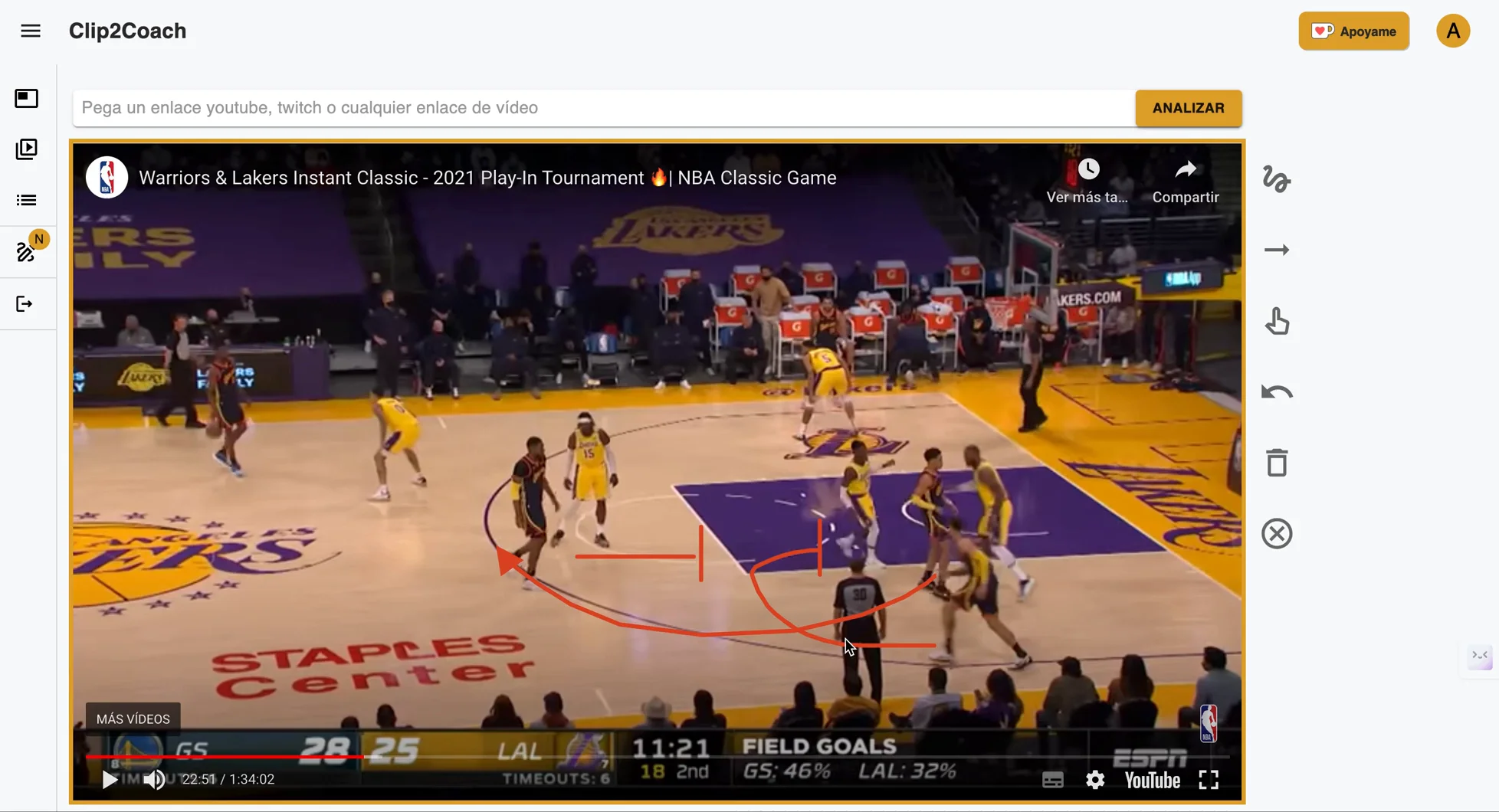
This is where most coaches underuse their tools. The value of annotation is specificity.
Do: Draw one arrow showing the defensive midfielder’s incorrect positioning. Add one sentence: “Watch #6 — he follows the runner instead of holding his zone.”
Don’t: Circle everything happening in the frame and write three paragraphs.
One message per clip. The clearer the clip, the faster the player learns.
For soccer: trace runs, show defensive shape, highlight the trigger moment for pressing.
For football: draw route combinations, show the linebacker’s assignment, highlight the blocking gap.
Step 4 — Organize clips into sessions or playlists
Group related clips by theme or game situation. In Clip2Coach, you can organize clips into folders and playlists. A typical organization:
- “Defensive transitions — [opponent name]”
- “Set pieces — corners to work on”
- “Offensive patterns — what worked”
Step 5 — Share with purpose

Send clips via WhatsApp or link the day before training. Include a short text message framing what players should notice — don’t let the clip speak entirely for itself.
“Watch how the center back pushes wide when the winger runs in behind. Before Thursday we’ll work on the coverage shape.”
Players watch a 45-second clip the night before. Thursday’s session, they already have the mental image. Training time is spent on the fix, not the explanation.
Soccer vs American Football — Key Differences in Video Analysis
American football analysis is play-by-play by nature. Each snap is a discrete unit, which makes clipping and studying formations simpler — you review plays in sequence and sort by type (run/pass, down/distance).
Soccer analysis focuses on phases of play and patterns across a longer continuous flow. This requires more judgment in clip selection — you’re not analyzing every moment, you’re finding the 3–5 situations that represent the tactical problem you’re solving.
For soccer coaches, the key discipline is not over-collecting. Three great clips are worth more than fifteen mediocre ones.
Common Mistakes in Football/Soccer Video Analysis
Showing too much: A 15-clip session kills player attention. Pick 3–5, maximum.
Not giving enough context: Players need to know what to look for before the clip plays. Text or verbal framing before each clip matters.
Analyzing alone without input: The video is a conversation starter, not a verdict. “What did you see?” is often more powerful than explaining what you saw.
Making it punitive: If video sessions become about highlighting mistakes publicly, players disengage. Balance is critical.
Skipping the share: Analyze → don’t share → nothing changes. The whole point is getting the mental image to the players.
Building a Sustainable Video Analysis Routine
A realistic weekly rhythm for an amateur coach:
- Day after match (30 min): Watch footage, select 3–5 moments, create and annotate clips.
- Day before training (5 min): Send clips with a brief WhatsApp message.
- During training: Reference the clips verbally. Spend training time on the corrective work.
The whole process: 35 minutes per week. No studio setup, no expensive software.
FAQ
Is video analysis worth it for amateur coaches? Yes. The primary value isn’t the analysis itself — it’s the communication efficiency. Players receive a precise, visual message they can process before training. That means more training time on solving the problem, less on explaining it.
What software do professional football analysts use? Hudl Sportscode, Wyscout, InStat, and similar platforms — tools costing thousands per year with dedicated analyst roles. For amateur coaches, Clip2Coach covers the core workflow (clip, annotate, share) at no monthly cost.
How do I get video of my team’s matches? Two main options: (1) Film it yourself — a phone on a tripod at an elevated position works. (2) Check if your league, a parent, or an opponent uploaded footage online. For youth leagues especially, YouTube uploads are common.
Do I need to download software? No. Clip2Coach runs in any browser — Mac, Windows, iPad, Android. Paste a YouTube URL, create clips, annotate, and share without installing anything.
How long should video analysis sessions with players be? Less than 20 minutes. Clips of 30–90 seconds sent the day before training are more effective than a 45-minute video session in the gym. Attention drops sharply after 15 minutes of passive viewing.
Start today by visiting Clip2Coach and discover how you can transform your coaching through free and accessible sports video analysis.